Design Scenario
You have been hired as a UX designer by a fictional online bookstore website called BookZilla. BookZilla offers a wide variety of books across different genres and categories. Competitors include Bookshop.org, Barnes and Noble, and Harper Collins. The website has been growing rapidly, and the company wants to improve its information architecture to enhance user experience and make it easier for customers to find and purchase books.
Design Task
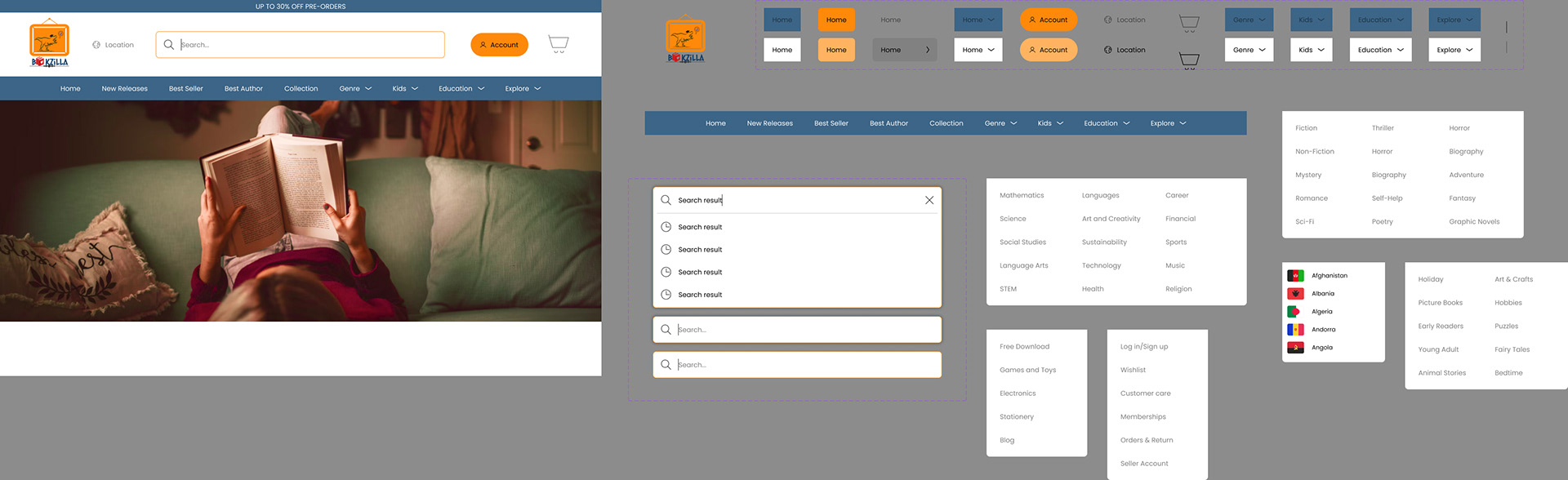
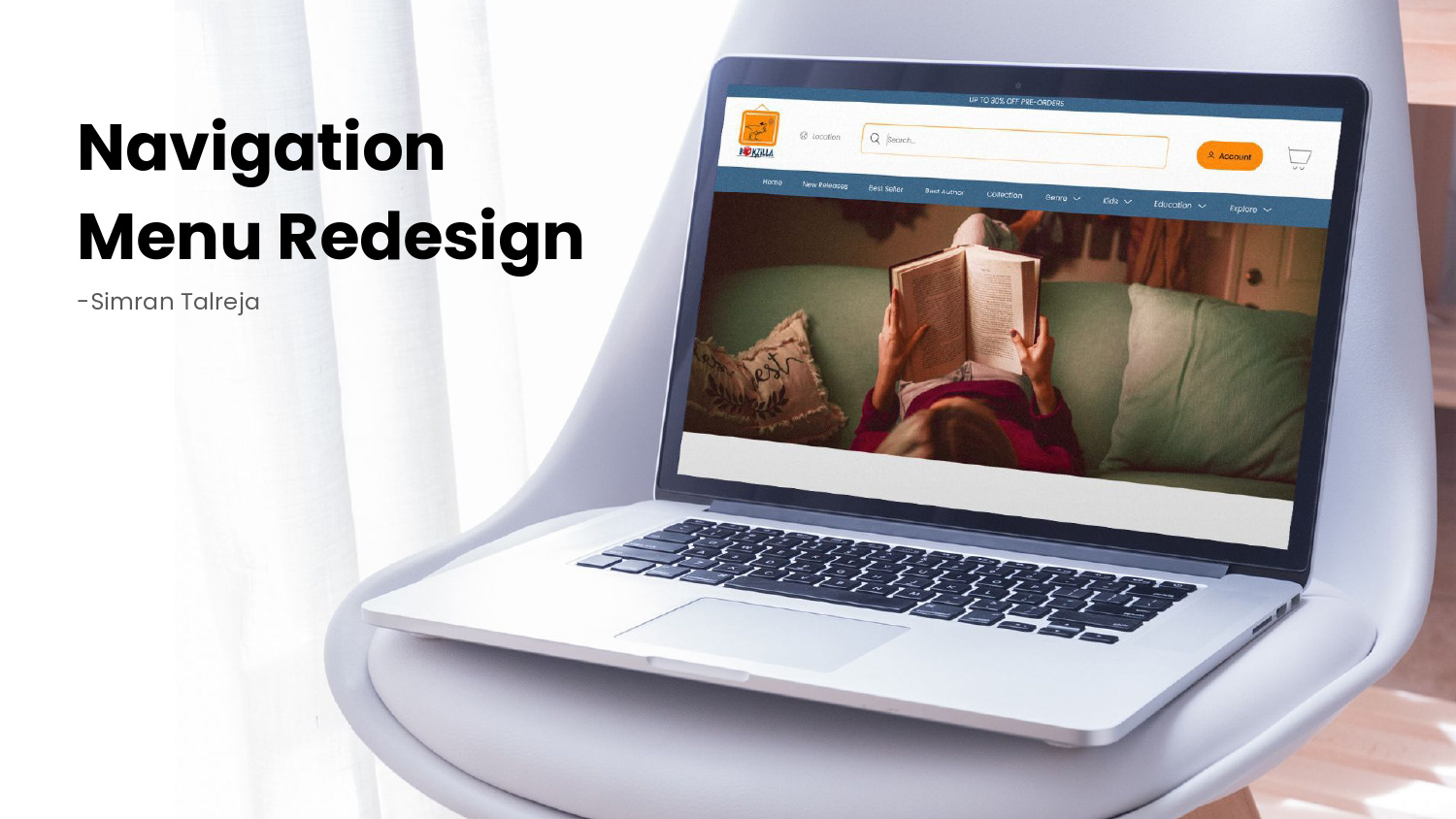
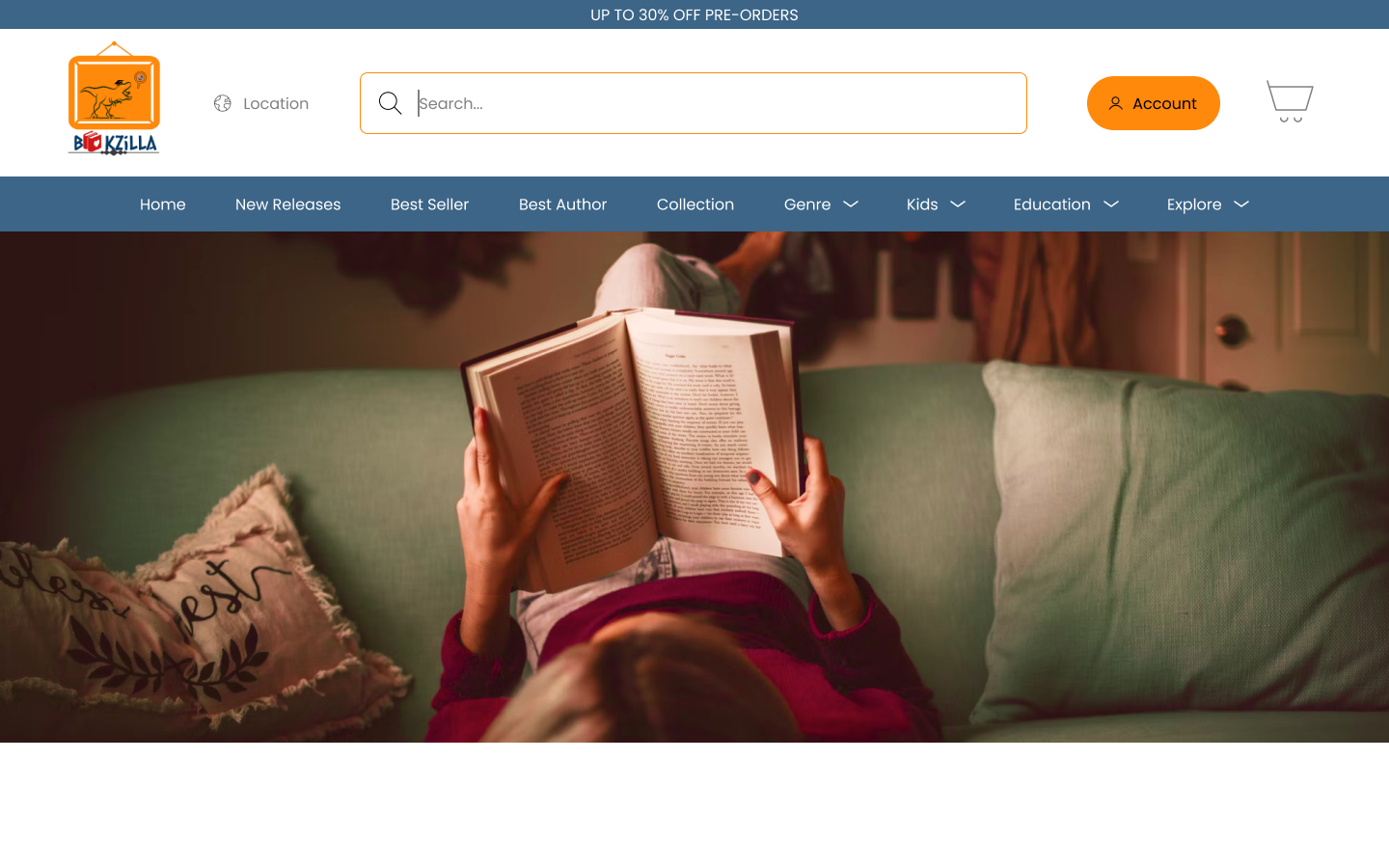
Your task is to redesign the navigation menu of the BookZilla website to improve its information architecture. The current menu is cluttered and lacks clear categorization, making it difficult for users to find specific books or navigate through different genres. Create a new navigation menu that organizes the book categories in a user-friendly and intuitive way, making it easier for users to browse and discover books of interest.
Consider how users typically search for books and how the new menu can assist them in finding relevant books efficiently. Avoid overwhelming the menu with too many options. Keep it concise and focused on the most popular or relevant book categories.
Keep in mind that BookZilla plans to expand its book offerings in the future, so the new navigation menu should be scalable and adaptable to accommodate future growth. Feel free to make any assumptions necessary to complete the task, but clearly submit those assumptions and reasoning along with your design mockup.
Bookzilla (Recent Navigation Menu)
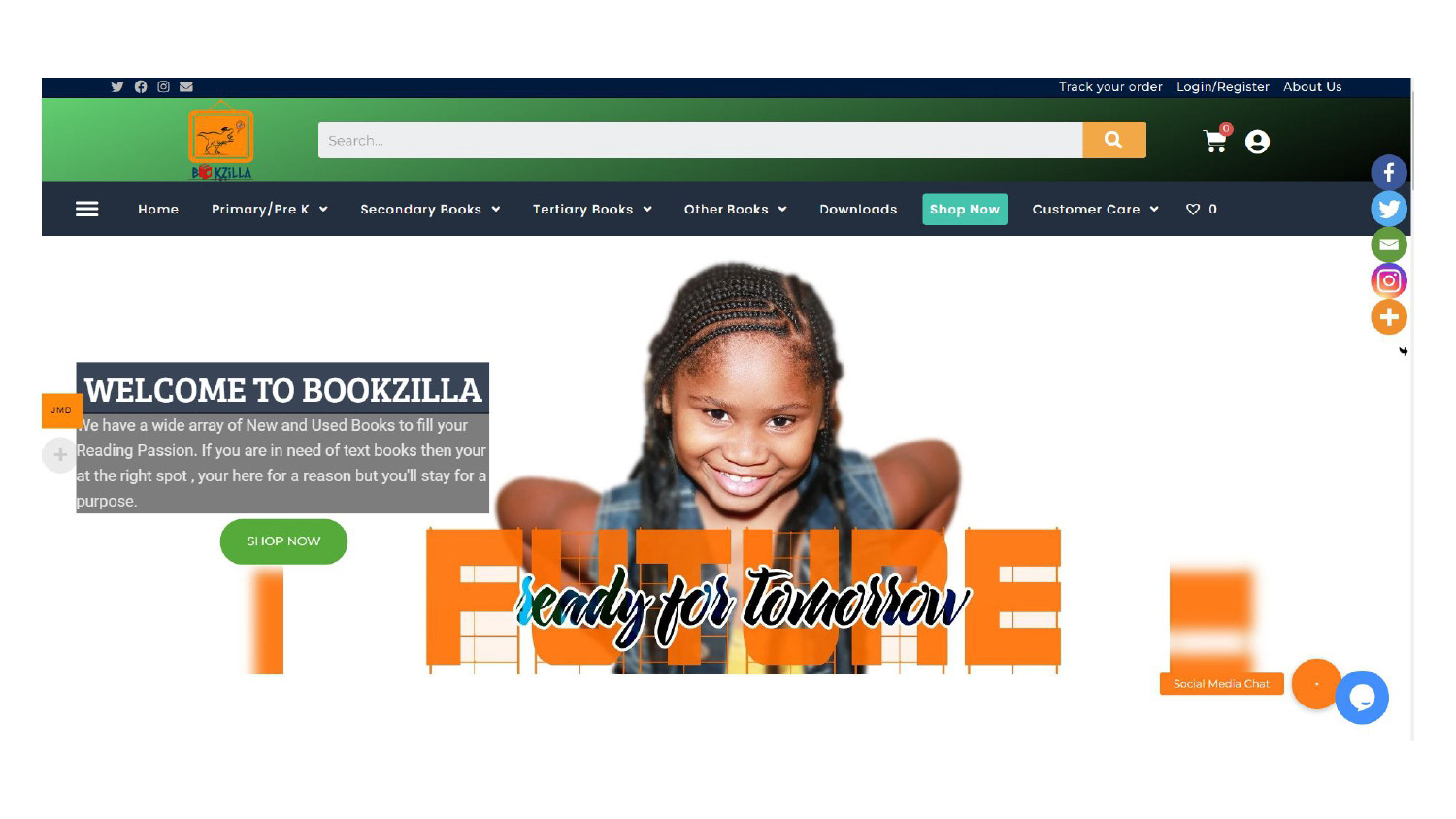
Observations
Social Media Distraction: The presence of social media links in the top content header is distracting and potentially disruptive for users.
Confusing Navigation Labels: The navigation menu labels such as "Primary/Pre k," "Secondary books," "Tertiary Books," "Other Books," "Downloads," "Shop Now," "Customer Care," and the unlabeled heart icon need to be simplified and made more user-friendly.
Repetitive Options: There is redundant navigation in the Bargara menu icon, duplicating options found in the main navigation menu.
Background Gradient: The use of gradients in the background of elements like the logo, search bar, cart, and account can affect the overall aesthetics and should be reviewed for consistency.
Lack of Predictable Navigation: Users may find it difficult to navigate the website due to unclear labels and a lack of predictable navigation.
Missing Secondary Services: There is no apparent option to access secondary services provided by the website.
Non-Functional Buttons: The "Shop Now" and "Download" buttons appear to lack functionality or clear destinations.
Missing Sections: Sections like "Top Rated Books" and "Author" are absent from the website, potentially missing opportunities to showcase content.
Intrusive Currency Selection: The "Select Your Currency" feature disrupts the user experience by appearing in the middle of the screen rather than being placed at the top based on location.
Social Media Placement: The placement of social media icons interferes with the user's view and should be repositioned.
Lack of Icon Consistency: Icons used on the website lack consistency in their meaning or representation.
Competitors
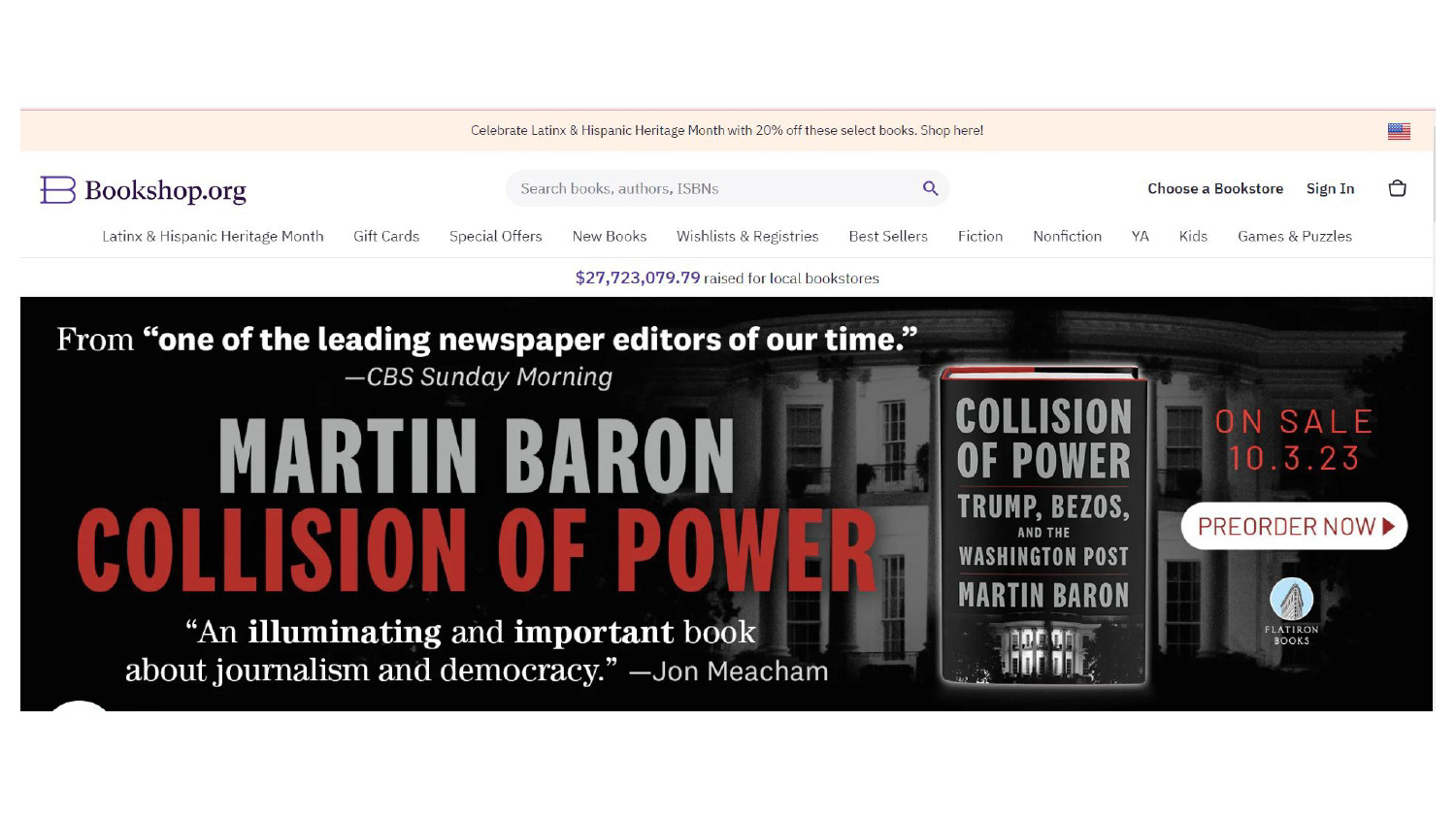
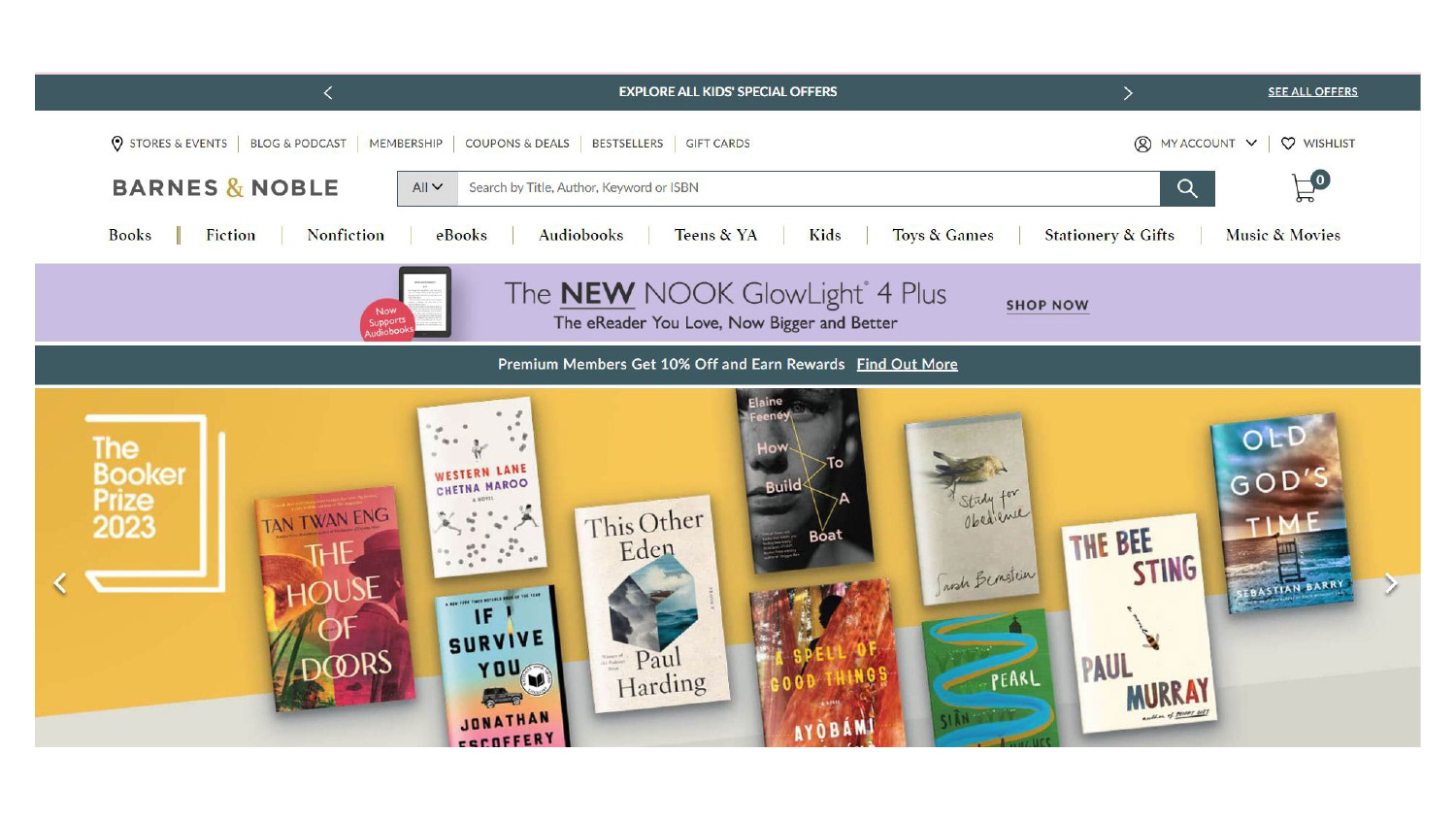
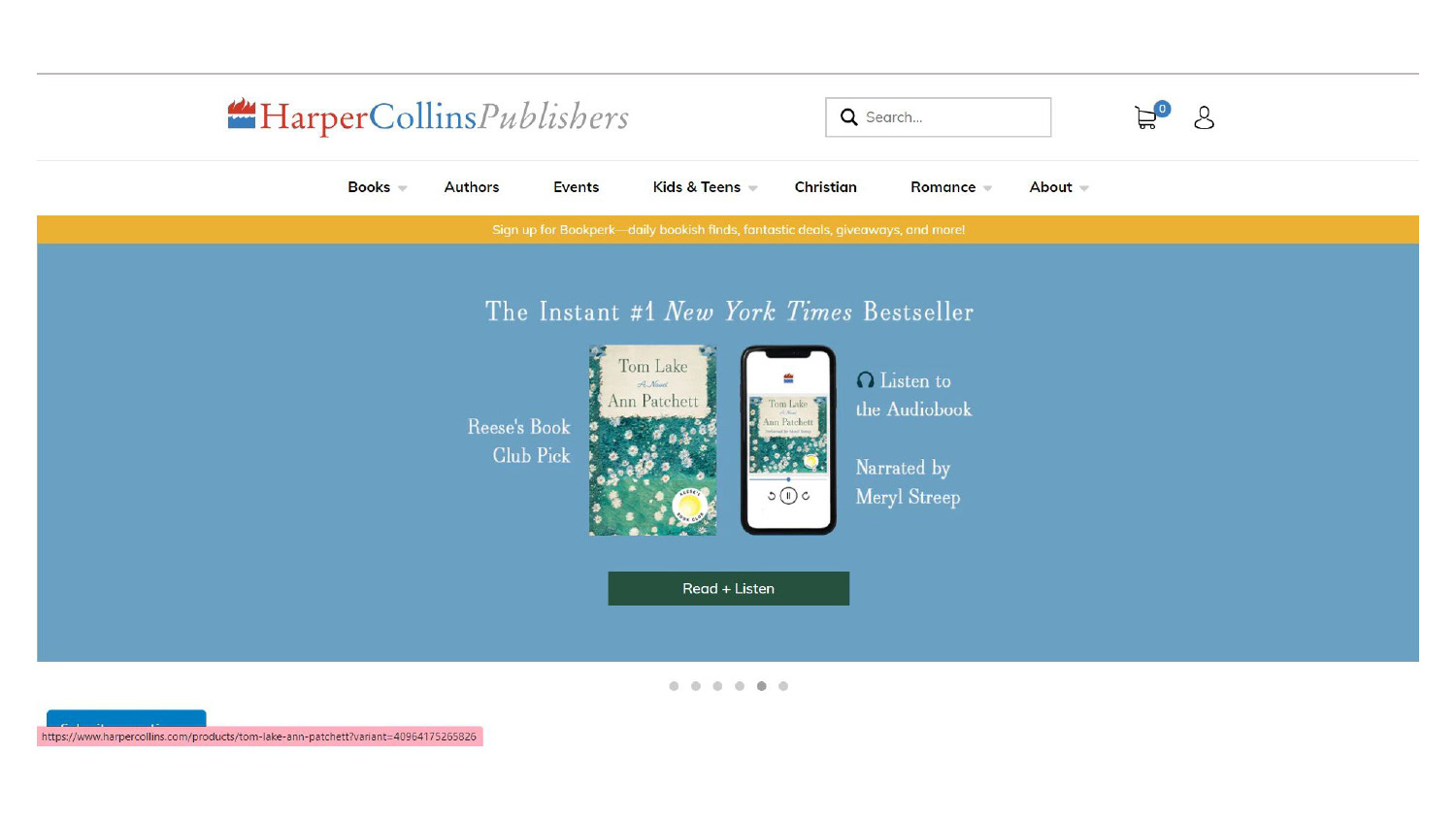
Competitors Observations
From Bookshop.org
Simplified and Clear Labels: Bookshop.org uses straightforward and easy-to-understand labels for its navigation menu, such as "Book Lists," "Categories," and "Support Local Bookstores." These labels make it clear for users to find what they're looking for without confusion.
From Barnes & Noble
Promotion of Key Sections: Barnes & Noble prominently promotes key sections in its navigation menu, such as "Bestsellers," "New Releases," and "Kids." These sections are strategically placed to draw users' attention to popular and relevant content, helping them discover books of interest quickly.
User Account and Wishlist Access: Barnes & Noble includes clear icons for user account access and wishlist functionality in the top header. This allows users to manage their accounts and save books for later with ease, contributing to a user-friendly experience.
From HarperCollins:
Featured Book Categories: HarperCollins includes a section in its menu labeled "Browse by Category" that presents users with various book genres and themes, such as "Mystery & Suspense" and "Historical Fiction." This approach helps users discover books based on their interests efficiently.
Design
Assets